




Supports multiple acceleration scenarios
-

Watch Videos
Provides clear usage entry points for different devices. Choose the version you need and complete the installation. -

Listen to Music
Provides clear usage entry points for different devices. Choose the version you need and complete the installation. -

Play Games
The download center displays the currently available device versions, making it easy to select by name. -

Follow Sports Events
Start with your commonly used devices to learn about the features and operation entry points provided by the client. -

Radio & Audiobooks
The download center displays the currently available device versions, making it easy to select by name. -

Watch Live Streams
Understand the product features through concise instructions and arrange the usage method that fits your needs. -

Communication & Office
After installation, you can view the settings and help content in the app to gradually become familiar with common features. -

Learning & Education
After installation, you can view the settings and help content in the app to gradually become familiar with common features.
Reasons to Choose KuaiFan


150+ Exclusive Global High-Speed Routes
The download center displays the currently available device versions, making it easy to select by name.
Become a VIP
150
+
High-speed routes
20
+
Country
40
+
City
Available on all major platforms
Provides clear usage entry points for different devices. Choose the version you need and complete the installation.
Free download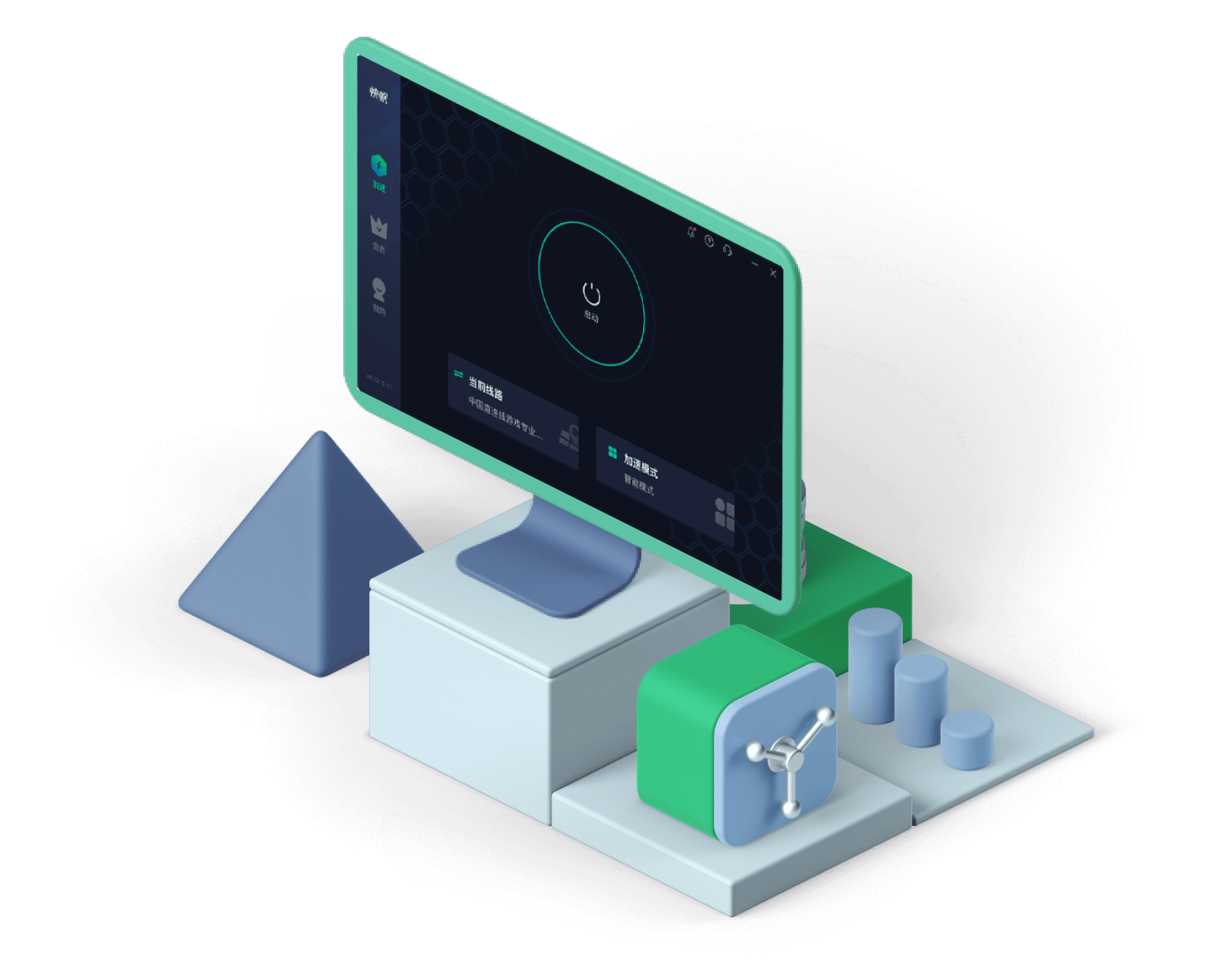
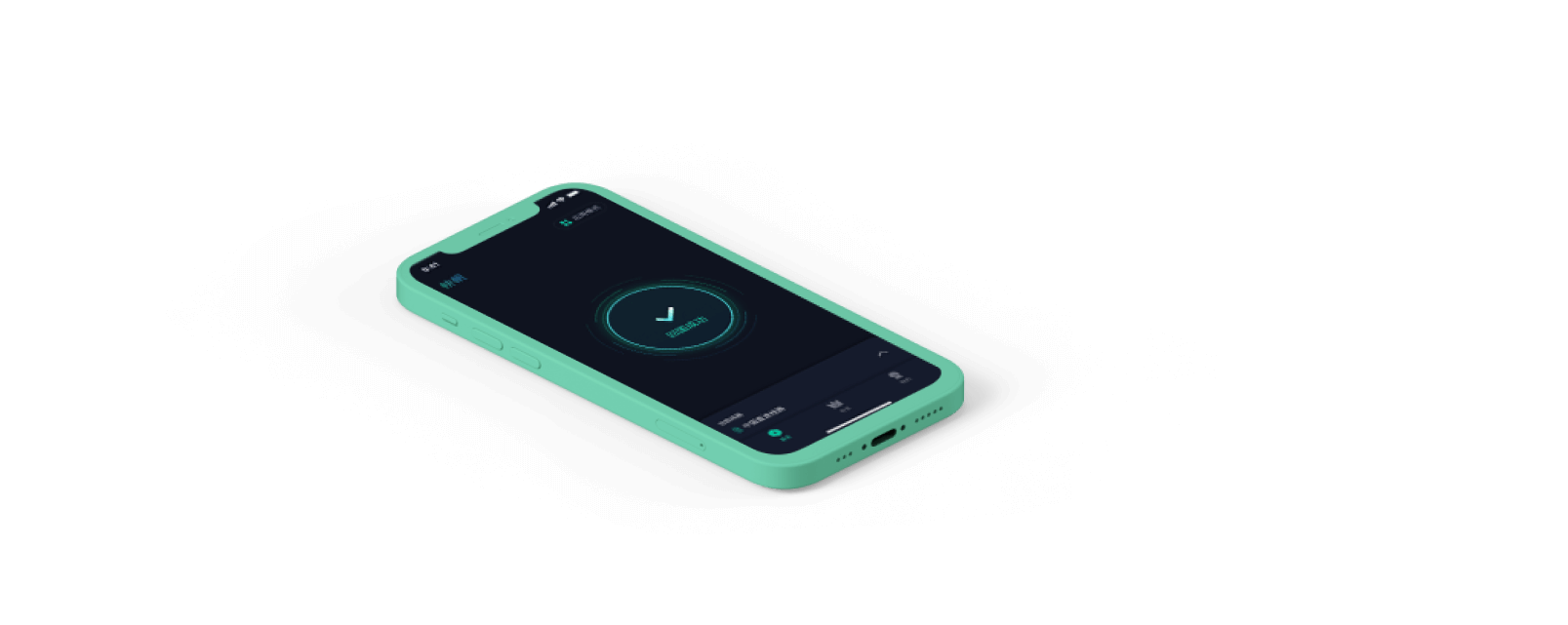


Uninterrupted privacy protection
Bring frequently used connections and device settings together in one place, reducing the steps to find and switch.
Try it now24/7 customer support and route monitoring
After installation, you can view the settings and help content in the app to gradually become familiar with common features.
Get exclusive service

Trusted by 11 million users worldwide over 6 years








Provides clear usage entry points for different devices. Choose the version you need and complete the installation.
Chinatown Daily
From the media
Bring frequently used connections and device settings together in one place, reducing the steps to find and switch.
App Review Network
From the media
First check the supported system version, then follow the on-device prompts to continue setup.
Scorpio Loves Candy
From the App Store